

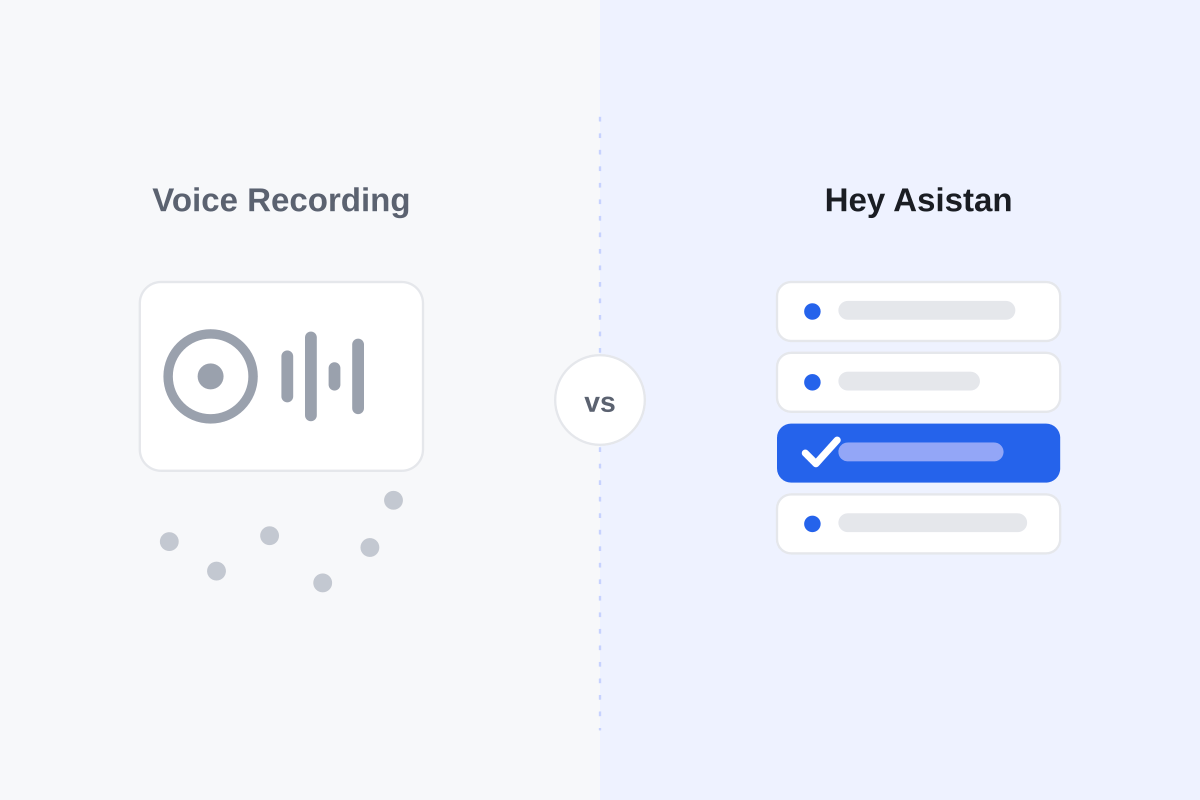
“Voice note app” can mean two very different things: a voice recorder or an AI-powered assistant. Both let you speak to capture a note. What you can do with the result is where they differ.
Traditional voice recorders
Your phone's built-in recorder, or a similar app, saves what you say as an audio file. Recording is simple and fast. The limitations become clearer as your recordings accumulate:
- To remember what is in a recording, you have to listen to it.
- Without searchable text, finding a specific note can mean replaying dozens of files.
- Categories, tags, and tasks are missing. Everything is kept in a single list of recordings.
- You still have to create calendar events and tasks by hand.
Transcription apps
Some apps go a step further and automatically turn audio into searchable text. A transcript is a useful starting point. You still have to organize it, decide where it belongs, and pick out any actions you need to take.
AI-powered assistants
Hey Asistan takes the transcript and uses it to organize the note. After you speak:
- The app suggests a category for you to confirm by voice.
- It generates a summary and tags.
- It pulls out action items and adds them as tasks.
- If you mention an appointment, it offers to add it to your calendar for you to confirm.
You get an organized record of what you said, with the next steps already identified.
Which one fits your needs?
| What you need | Which tool fits |
|---|---|
| Keep a long, one-off audio memory | Traditional voice recorder |
| Search for what you said later | Transcription app |
| Keep daily notes, tasks, and calendar events organized | An AI-powered assistant such as Hey Asistan |
A recorder is enough if you occasionally want to save an audio memory. If you capture ideas, tasks, and appointments throughout the day, having that information organized automatically is what saves time.