

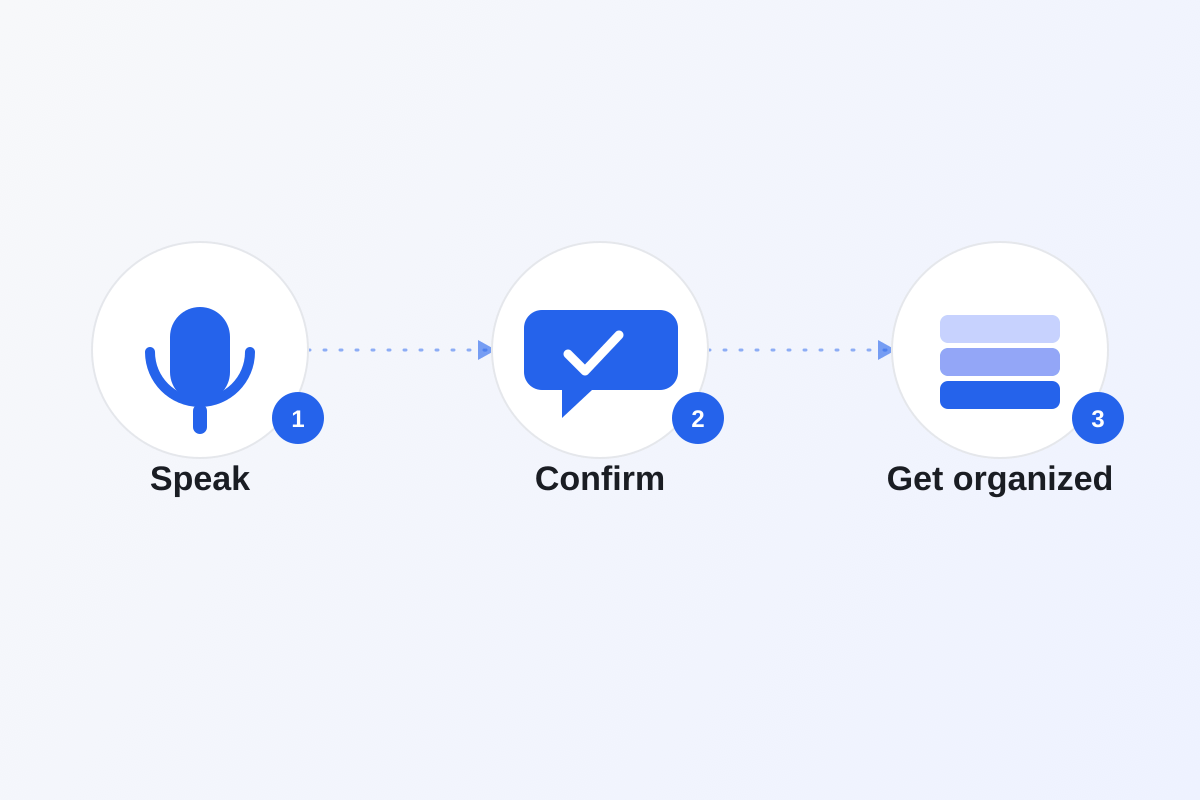
Hey Asistan is built around one idea: keep the number of steps between speaking and having an organized note as small as possible. Here is how a spoken thought becomes a note you can come back to.
1. Speak
Open the app and start talking. On a phone, speech recognition runs on the device, using SFSpeechRecognizer on iOS and SpeechRecognizer on Android. The phone sends the resulting text to Hey Asistan. Keeping the raw audio on the device helps with both privacy and speed.
When the app detects a short pause, it asks, “Is there anything else you would like to add?” If you keep talking, your words go into the same note. If you say “no” or stay quiet for a few seconds, the session ends.
2. Confirm the category
When the session ends, Hey Asistan uses AI to suggest a category based on your previous categories. It asks aloud, “Should I save this under [category]?” You can confirm it, change it, or name a new category by voice. If that category does not exist yet, Hey Asistan creates it.
3. Let Hey Asistan organize it
Once you confirm the category, Hey Asistan processes your note in the background and produces the following:
- Summary — a short, readable version of the note
- Tags — labels that make searching and filtering easier
- Tasks — any action items from the note appear on your task list
- Calendar suggestion — if you mention an appointment, the app extracts the date and time and asks you to confirm it
After you speak and confirm the category, AI handles these steps automatically.
Your day at a glance with Morning Brief
At the time you set, such as 7:00 a.m., Hey Asistan brings together that day's calendar events, pending tasks, and summaries from the last 24 hours. You can start the day with everything in one place.
Where can you use it?
Hey Asistan runs natively on iOS, Android, and macOS. Apple CarPlay and Android Auto let you take hands-free notes in the car. You can also open app.heyasistan.tr in a browser to check your notes from a computer.
Speak, confirm the category, and let Hey Asistan organize the note.