

Some notes are easier to type or photograph
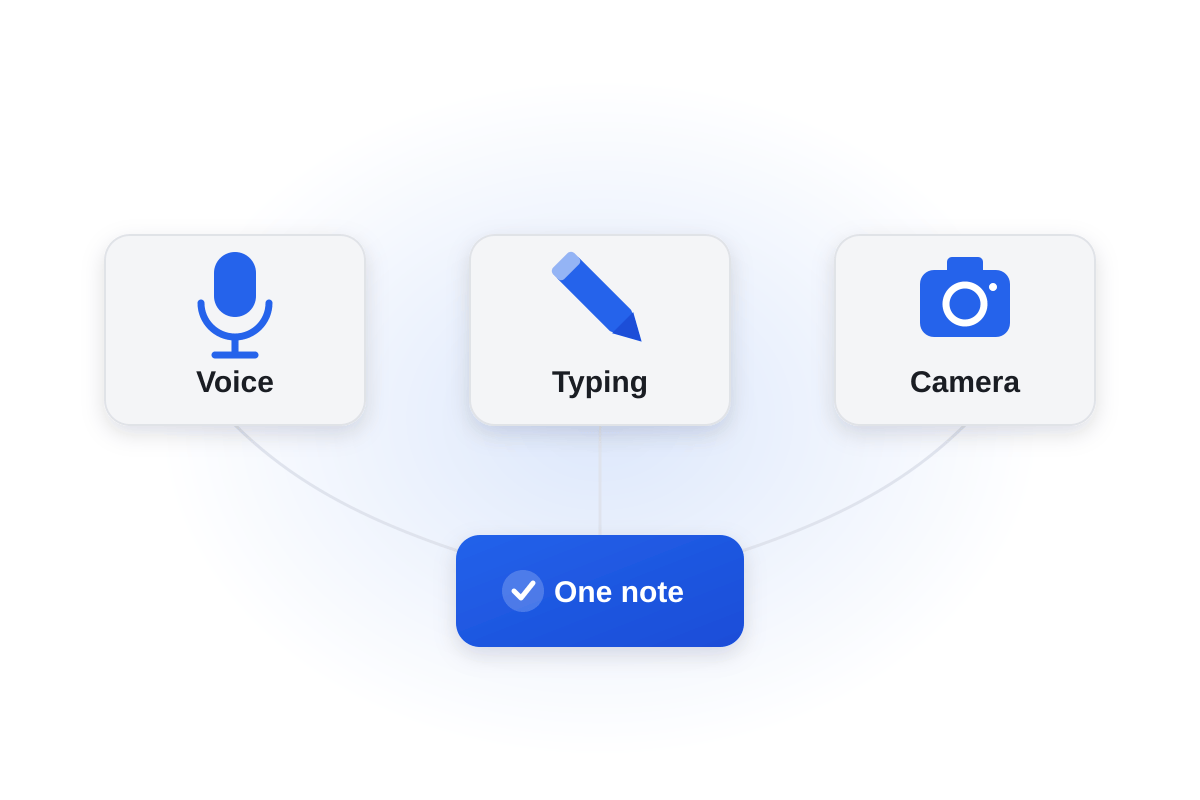
Hey Asistan was built to let you speak and leave the organization to the app. Speaking can be impractical in a meeting, on a bus, or with someone nearby. Now you have two more ways to capture a note: type it or use your camera.
Add a typed note
Choose “Add by typing” below the microphone on the home screen, enter your text, and save it. Hey Asistan uses the same process as for voice notes to suggest a category, summarize the note, and identify tasks and calendar events.
Add a note with your camera
Photograph a sign, a handwritten note, a page from a book, or a receipt, and save the text as a note. Text recognition happens on your device. The photo stays there, and only the extracted text goes to the server. The mobile apps use Google's ML Kit, while the web and desktop versions use Tesseract.js.
Use the same account across platforms
Typed and camera notes are available on iOS, macOS, Android, the web (app.heyasistan.tr), and the Windows and Linux desktop apps. They all share the same account and note history.
Edit an existing note
You can also edit notes in your history. Open the note, correct what you typed or what the camera misread, and save your changes. Hey Asistan updates the category, summary, and tasks based on the revised text.
Find download links on the Hey Asistan apps page.